
Our Recommended VPNs
Chosen after real-world testing across speed, privacy, and streaming. Each ranking is independent — we buy every VPN at retail and test it ourselves.

Fastest speeds, audited no-logs, 6000+ servers

Unlimited devices, CleanWeb blocker, 100+ countries

Swiss privacy laws, open-source, free tier

Lifetime plans, 10 devices, ad blocker

Unlimited devices, streaming-optimized, audited no-logs
We earn a commission when you click “Get” buttons, at no extra cost to you. Read our affiliate disclosure
Why Backups Are Non-Negotiable
Ransomware, hardware failure, theft, accidental deletion, and natural disasters can all destroy your work in an instant. Without backups, you lose everything — documents, code, client data, photos, and configuration.
For remote workers, backups are even more critical because you don't have an IT department to recover your data.
The 3-2-1 Backup Rule (Updated for 2026)
The classic 3-2-1 rule still works:
- 3 copies of your data
- 2 different storage types
- 1 copy offsite (cloud)
Updated for remote work:
- 3 copies: working copy + local backup + cloud backup
- 2 types: SSD/NVMe + cloud storage
- 1 offsite: encrypted cloud backup
- 0 unencrypted backups: everything encrypted at rest
Tier 1: Automated Cloud Backup (Essential)
Set up automated cloud backup for your critical work files:
macOS: Time Machine + iCloud
- Time Machine to an external SSD (automatic, hourly backups)
- iCloud Drive for documents (real-time sync)
- Enable Advanced Data Protection for end-to-end encryption
Windows: File History + OneDrive
- File History to an external drive (automatic backups)
- OneDrive for documents (real-time sync)
- Consider Backblaze ($9/month) for full-system cloud backup
Cross-Platform: Backblaze
- Backs up everything on your computer automatically
- Unlimited storage for $9/month
- 30-day version history (1 year with extended option)
- Can restore via download or physical hard drive shipment
Tier 2: Encrypted Local Backup
For an additional safety net:
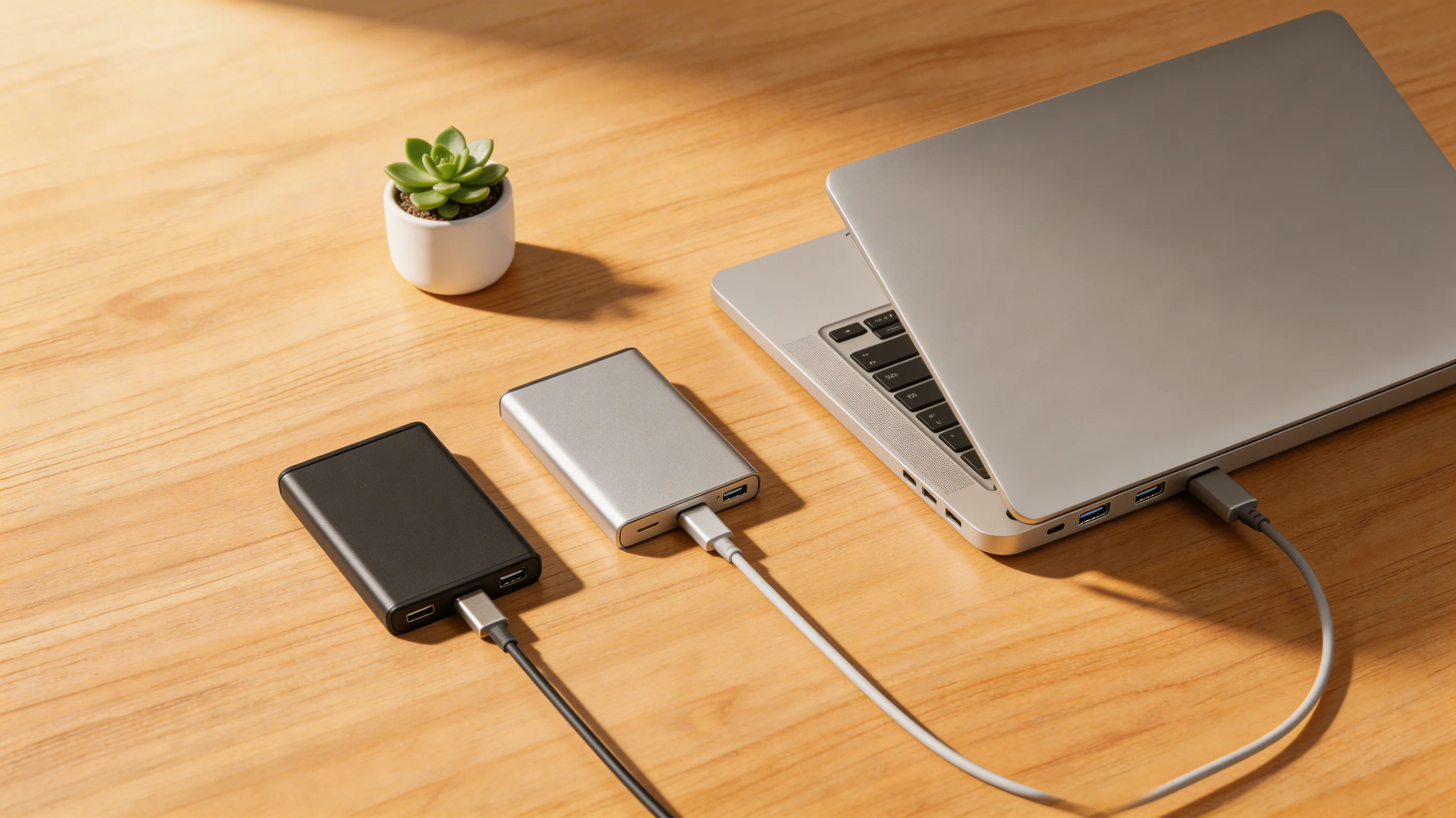
- Get a 1-2TB external SSD ($60-120)
- Enable Time Machine (macOS) or File History (Windows)
- Encrypt the backup drive (BitLocker/FileVault)
- Back up weekly at minimum
- Store the drive in a different location from your laptop when not backing up
Tier 3: Critical Files in Zero-Knowledge Cloud
For your most sensitive files (contracts, credentials, financial documents):
- Proton Drive — End-to-end encrypted, Swiss-based
- Cryptomator — Encrypt files locally before uploading to any cloud
- Tresorit — Business-grade zero-knowledge encryption
What to Back Up (Priority Order)
- Work documents — Current projects, client files, contracts
- Code/repositories — Git remotes count as backups (GitHub, GitLab)
- Password manager vault — Your password manager handles this, but verify export/backup options
- 2FA recovery codes — Stored in password manager + printed physical copy
- Photos and personal files — iCloud/Google Photos for automatic backup
- System configuration — Document your setup so you can rebuild quickly on a new device
Test Your Backups
A backup you've never tested is a backup that might not work. Quarterly:
- Verify cloud backup is syncing (check last backup date)
- Restore a random file from backup to confirm it works
- Check that encrypted backups can be decrypted with your key
- Verify your password manager backup/export is current
How We Verified
Backup tools tested on Windows 11 and macOS Sequoia. Cloud backup speeds tested on 100 Mbps and 1 Gbps connections. Encryption verified for each solution. Based on NIST SP 800-34 contingency planning guidelines. April 2026.
Continue learning
Related Guides
How to Share Passwords Safely: Stop Using Slack and Email (2026)
Secure methods for sharing passwords, API keys, and credentials with teammates. Password manager sharing, Bitwarden Send, and one-time links.
Sarah ChenDevice Encryption Guide: Protect Your Data If Your Laptop Is Lost (2026)
How to enable full-disk encryption on Windows, Mac, iOS, and Android. Your data stays secure even if your device is stolen.
Sarah ChenEndpoint Security for Remote Workers: Beyond Antivirus (2026)
Your devices are endpoints in the security chain. Modern endpoint protection goes beyond antivirus — here's what you need in 2026.
Sarah ChenWas this guide helpful?
What's next
Keep exploring
Sources & Citations
- 1CISA: Data Backup Options
- 2NIST SP 800-34: Contingency Planning Guide