
Our Recommended VPNs
Chosen after real-world testing across speed, privacy, and streaming. Each ranking is independent — we buy every VPN at retail and test it ourselves.

Fastest speeds, audited no-logs, 6000+ servers

Unlimited devices, CleanWeb blocker, 100+ countries

Swiss privacy laws, open-source, free tier

Lifetime plans, 10 devices, ad blocker

Unlimited devices, streaming-optimized, audited no-logs
We earn a commission when you click “Get” buttons, at no extra cost to you. Read our affiliate disclosure
Why Audit Your Passwords
The average person has 100+ online accounts. Over the years, you've likely accumulated weak passwords, reused the same password across multiple sites, and been caught in data breaches without knowing it.
A password audit identifies your weakest credentials so you can fix them before attackers exploit them.
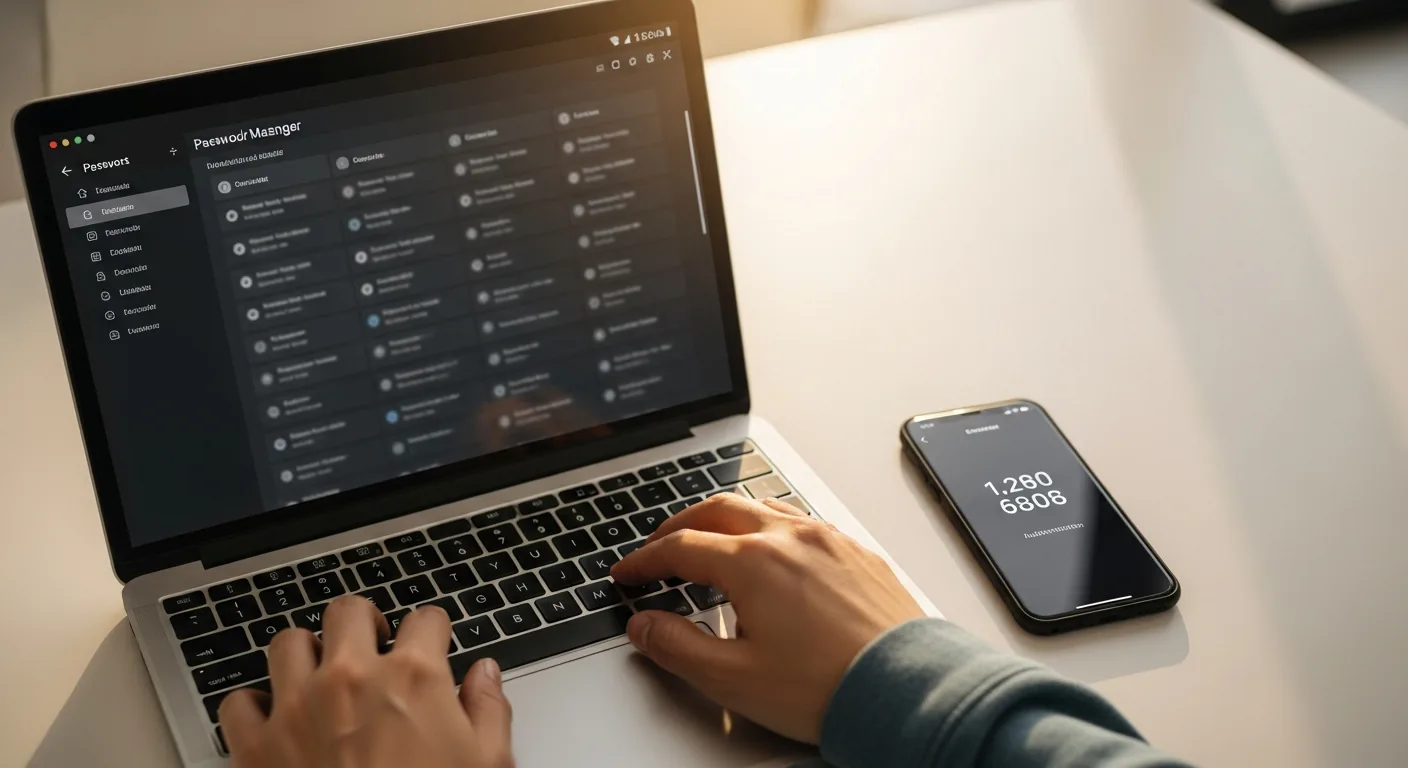
Step 1: Use Your Password Manager's Health Tool
Every major password manager has a built-in audit feature:
- Bitwarden: Reports > Vault Health Reports (exposed passwords, reused, weak)
- 1Password: Watchtower (compromised, weak, reused, 2FA eligible)
- Dashlane: Password Health (score out of 100, categorized issues)
- Proton Pass: Pass Monitor (dark web alerts, weak password detection)
Run this report now. It takes 30 seconds and shows you exactly where your risks are.
Step 2: Check Have I Been Pwned
Visit haveibeenpwned.com and enter each of your email addresses. This free service checks your email against every known data breach. You'll likely find breaches you didn't know about.
For each breach found:
- Change the password on that service immediately
- If you reused that password elsewhere, change it on those sites too
- Enable 2FA on the breached account
Step 3: Fix the Worst Offenders First
Prioritize in this order:
- Breached passwords — These are in the hands of attackers. Change immediately
- Reused passwords — One breach exposes all accounts sharing that password
- Weak passwords — Short, simple, or dictionary-word passwords
- Accounts without 2FA — Even strong passwords can be phished
Step 4: Generate New Passwords
For each password you replace:
- Use your password manager's generator
- Set length to 20+ characters
- Include uppercase, lowercase, numbers, and symbols
- Let the password manager auto-save the new credential
- Never try to memorize generated passwords — that's the manager's job
Step 5: Enable 2FA on Everything
While you're auditing, enable 2FA on every account that supports it. Your password manager may show which accounts offer 2FA but don't have it enabled.
Step 6: Delete Unused Accounts
Old, forgotten accounts are liabilities. If you haven't used a service in over a year:
- Log in one last time
- Delete or deactivate the account
- Remove it from your password manager
Services like justdelete.me provide direct links to account deletion pages for hundreds of services.
Make It a Habit
Set a quarterly calendar reminder to:
- Run your password manager's health report
- Check haveibeenpwned.com for new breaches
- Replace any flagged passwords
- Review and remove unused accounts
How We Verified
Audit workflows tested with Bitwarden, 1Password, and Dashlane current versions. Have I Been Pwned verified as accurate against known breach databases. Recommendations based on NIST SP 800-63B. April 2026.
Continue learning
Related Guides
How to Share Passwords Safely: Stop Using Slack and Email (2026)
Secure methods for sharing passwords, API keys, and credentials with teammates. Password manager sharing, Bitwarden Send, and one-time links.
Sarah ChenDevice Encryption Guide: Protect Your Data If Your Laptop Is Lost (2026)
How to enable full-disk encryption on Windows, Mac, iOS, and Android. Your data stays secure even if your device is stolen.
Sarah ChenEndpoint Security for Remote Workers: Beyond Antivirus (2026)
Your devices are endpoints in the security chain. Modern endpoint protection goes beyond antivirus — here's what you need in 2026.
Sarah ChenWas this guide helpful?
What's next
Keep exploring
Sources & Citations
- 1Have I Been Pwned — haveibeenpwned.com
- 2NIST SP 800-63B: Digital Identity Guidelines