
Our Recommended VPNs
Chosen after real-world testing across speed, privacy, and streaming. Each ranking is independent — we buy every VPN at retail and test it ourselves.

Fastest speeds, audited no-logs, 6000+ servers

Unlimited devices, CleanWeb blocker, 100+ countries

Swiss privacy laws, open-source, free tier

Lifetime plans, 10 devices, ad blocker

Unlimited devices, streaming-optimized, audited no-logs
We earn a commission when you click “Get” buttons, at no extra cost to you. Read our affiliate disclosure
The IoT Security Problem
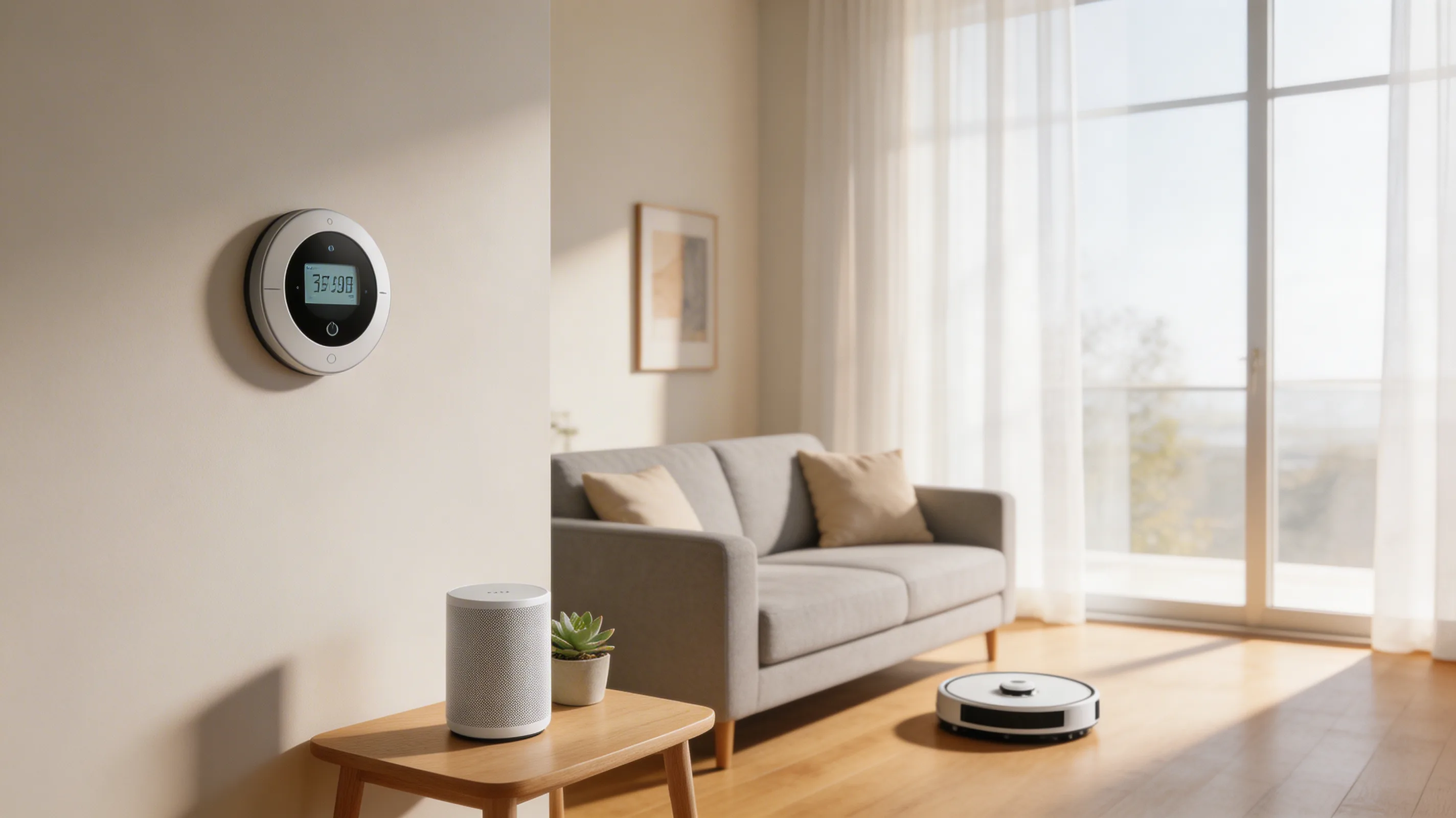
Your smart home devices — cameras, speakers, thermostats, robot vacuums, smart locks — share the same network as your work laptop. If any IoT device is compromised, the attacker potentially has access to everything on your network, including sensitive work data.
IoT devices are notoriously insecure:
- Many run outdated, unpatched firmware
- Default passwords are often never changed
- Many "phone home" to servers in unknown jurisdictions
- Minimal or no encryption on data transmissions
- Limited processing power means weak security implementations
The Risk for Remote Workers
When your home is your office, IoT risks become work security risks:
- A compromised camera could record your screen during sensitive work
- A vulnerable smart speaker could be exploited for audio surveillance
- A hacked IoT device could be used as a foothold to attack your work laptop
- Malicious traffic from IoT devices could compromise your network
Protection Strategy
1. Segment Your Network
The single most important step: put IoT devices on a separate network.
Option A: Guest Network
- Enable your router's Guest Network feature
- Connect ALL IoT devices to the guest network
- Keep work devices on the main network
- Guest networks typically can't communicate with the main network
Option B: VLAN (Advanced) If your router supports VLANs, create a dedicated IoT VLAN with firewall rules that prevent IoT devices from reaching work device IPs.
2. Secure Each Device
For every IoT device:
- Change the default password immediately
- Update firmware to the latest version
- Disable features you don't use (remote access, UPnP)
- Disable the microphone/camera when not needed (physical switches if available)
3. VPN on Router
Installing a VPN on your router encrypts traffic for all devices — including IoT devices that can't run VPN apps. This prevents your ISP from seeing IoT device traffic and adds encryption to devices with weak security.
4. Monitor Your Network
Check your router's connected device list regularly:
- Identify every device
- Remove/block anything you don't recognize
- Watch for unusual traffic patterns
Devices to Be Most Careful With
| Device | Risk Level | Main Concern |
|---|---|---|
| Security cameras | High | Video surveillance, network access |
| Smart speakers (Alexa, Google) | High | Audio recording, always-listening |
| Smart locks | High | Physical security compromise |
| Baby monitors | High | Audio/video surveillance |
| Robot vacuums | Medium | Room mapping data, network access |
| Smart TVs | Medium | Viewing habits, microphone, camera |
| Smart thermostats | Low | Usage patterns, network access |
| Smart bulbs | Low | Network access (minimal data) |
How We Verified
IoT security risks documented from NIST SP 1800-21 and OWASP IoT Top 10. Network segmentation techniques tested on ASUS, TP-Link, and Netgear routers. April 2026.
Continue learning
Related Guides
How to Share Passwords Safely: Stop Using Slack and Email (2026)
Secure methods for sharing passwords, API keys, and credentials with teammates. Password manager sharing, Bitwarden Send, and one-time links.
Sarah ChenDevice Encryption Guide: Protect Your Data If Your Laptop Is Lost (2026)
How to enable full-disk encryption on Windows, Mac, iOS, and Android. Your data stays secure even if your device is stolen.
Sarah ChenEndpoint Security for Remote Workers: Beyond Antivirus (2026)
Your devices are endpoints in the security chain. Modern endpoint protection goes beyond antivirus — here's what you need in 2026.
Sarah ChenWas this guide helpful?
What's next
Keep exploring
Sources & Citations
- 1NIST SP 1800-21: Securing Home IoT Devices
- 2OWASP: IoT Security Top 10