
Our Recommended VPNs
Chosen after real-world testing across speed, privacy, and streaming. Each ranking is independent — we buy every VPN at retail and test it ourselves.

Fastest speeds, audited no-logs, 6000+ servers

Unlimited devices, CleanWeb blocker, 100+ countries

Swiss privacy laws, open-source, free tier

Lifetime plans, 10 devices, ad blocker

Unlimited devices, streaming-optimized, audited no-logs
We earn a commission when you click “Get” buttons, at no extra cost to you. Read our affiliate disclosure
Tablets: The Forgotten Security Device
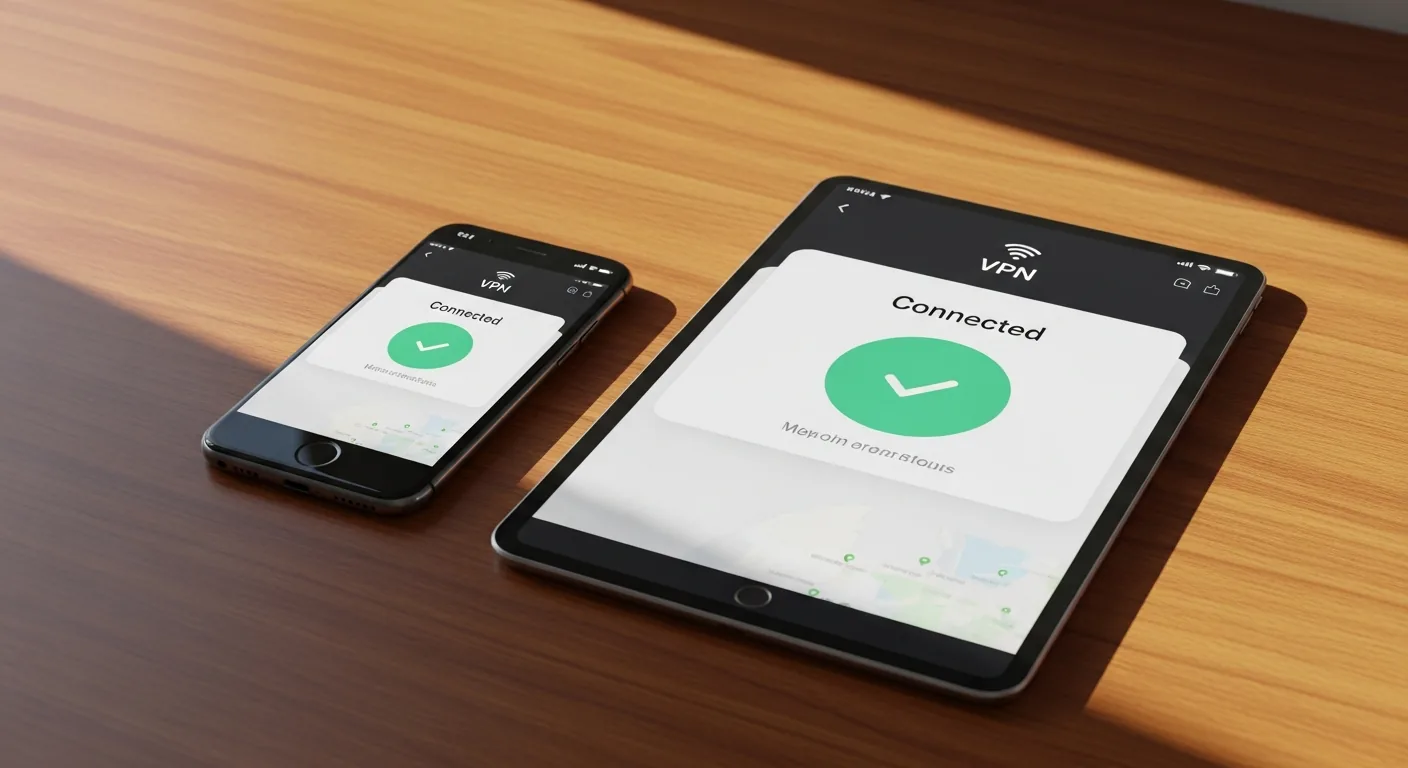
Tablets sit between phones and laptops in both size and security attention. They're used for reading, browsing, video calls, and even light work — often on public Wi-Fi. Yet many people don't install a VPN on their tablet.
If you use your tablet on any network outside your home — hotel, café, airport — you need a VPN.
iPad VPN Setup
iPads follow iOS VPN conventions:
- Download your VPN app from the App Store
- Open and log in
- Connect — iPad will ask to add a VPN configuration, approve it
- Enable "Connect on Demand" in the VPN app settings
iPad-Specific Tips:
- Stage Manager (iPadOS 16+) with VPN: VPN protects all windows simultaneously
- Split View: Run VPN app alongside your work app to monitor connection status
- Apple Pencil workflows: VPN adds no latency to drawing/note-taking apps
- No split tunneling on iPadOS (Apple restriction)
Android Tablet VPN Setup
Android tablets support full VPN features:
- Download from Google Play Store
- Log in and connect
- Go to Settings > Network > VPN > gear icon next to your VPN
- Enable "Always-on VPN" + "Block connections without VPN"
Android Tablet Tips:
- Split tunneling available (route specific apps through VPN)
- Always-on VPN at system level (superior to iOS)
- Samsung DeX mode: VPN protects all desktop-mode traffic
- Battery optimization: Exclude VPN app from Doze/battery saver
Our Top Pick for Tablets
FastestVPN — Unlimited devices means your tablet is covered on the same subscription as your phone and laptop. No need to choose which devices get protection. Clean, tablet-optimized UI on both iPadOS and Android.
Continue learning
Related Guides
VPN for Expats: Access Home Services From Anywhere (2026)
How expats use VPNs to access banking, streaming, government services, and stay connected to home while living abroad.
 Elena Rodriguez
VPN for Seniors: Simple Security for Less-Technical Users (2026)
A jargon-free VPN guide for seniors and less-technical users. Why you need one, which to choose, and how to set it up in 5 minutes.
 Sarah Chen
Enterprise VPN vs Consumer VPN: What Remote Workers Need to Know (2026)
Understanding the difference between your company's VPN and a personal VPN. When to use which, and why you might need both.
Sarah ChenWas this guide helpful?
What's next